


As mobile connectivity continues to expand across Lesotho—from Maseru to rural districts—most players rely on their smartphones to place wagers and monitor account balances in real time. Betwinner accommodates this demand by offering tailored sign-in options, including direct phone number logins integrated with local telecom networks like Vodacom Lesotho and Econet Telecom Lesotho. This comprehensive guide outlines every step of the login process, account recovery solutions, advanced security protocols, and simple fixes for common login glitches.
Access Your Betwinner Account
Logging into Betwinner is straightforward, allowing you to access your personal dashboard, view active bets, process deposit or withdrawal requests, and customize your user profile. The platform supports multiple credential formats so players can choose the sign-in method that best fits their device and preference.
To initiate the login sequence on the official Betwinner website or mobile app, navigate to the top right corner of the interface and click or tap the green Log In button. A secure pop-up module will prompt you to enter your account credentials.
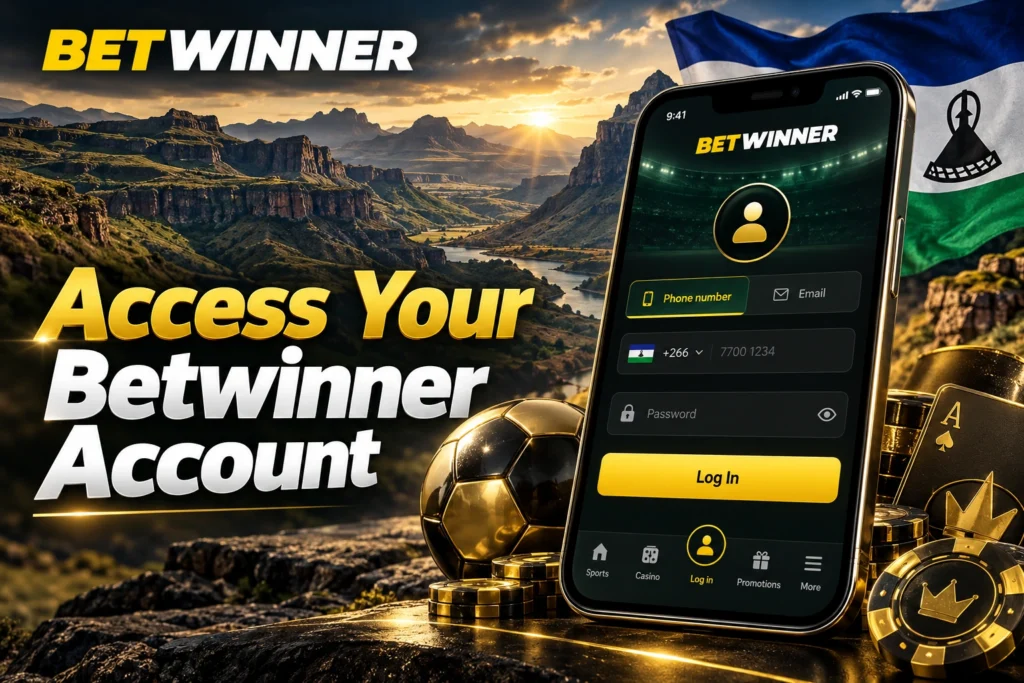
Login with Mobile Number
For the majority of players in Lesotho, logging in with a mobile number is the most practical and efficient choice. During initial registration, your account is tied directly to your primary mobile phone number (+266 country code prefix).
- Launch the Betwinner website or open the mobile application.
- Click Log In and select the Phone tab within the credential input box.
- Enter your registered Lesotho mobile number (e.g., +266 5XXXXXXX or +266 6XXXXXXX).
- Input your secret account password.
- Click Log In to authorize access and open your account dashboard.
Using your mobile number simplifies account management because your phone double-links to your mobile money wallets, such as Vodacom M-Pesa and Econet EcoCash. This synchronization ensures that deposit notifications and SMS security prompts arrive directly on the handset you use for daily betting.
Secure Password Entry
Your password acts as the primary defense protecting your real-money balance, promotional bonuses, and personal profile details. When entering your password on Betwinner, the interface automatically masks characters using secure dot symbols to prevent visual eavesdropping in public places.
To guard against unauthorized access, your password should be a unique alphanumeric combination containing at least 8 to 12 characters, blending uppercase letters, lowercase letters, numbers, and special symbols. Avoid using easily guessable strings such as your birth date, sequence numbers (e.g., 123456), or common dictionary words. Furthermore, when entering credentials on web browsers, always click the “Eye” icon inside the password field to briefly verify character accuracy before clicking submit, avoiding repeated failed login attempts caused by minor typos.
Fast Account Access
Players who use personal smartphones or dedicated home computers can take advantage of fast account access options engineered to reduce friction without sacrificing security. By selecting the Remember Me checkbox on the login card, your browser securely stores an encrypted session token. This prevents you from having to enter your username and password every time you open the site.
Mobile application users enjoy even faster access speeds through integrated device features. Once you complete your initial login inside the Betwinner Android APK or iOS app, you can enable single-touch biometric shortcuts or set a local security PIN.
- Biometric Authentication: Log in instantly using your smartphone’s Fingerprint Scanner or Face ID module.
- Persistent Session Tokens: Keep your user account active across app restarts, ensuring instant access to live odds during fast-paced matches.
- One-Tap Wallet Access: View live balance updates, cash-out options, and active bet slips immediately upon launching the app.
- Offline Credential Encryption: Local app storage shields user tokens behind hardware-level hardware encryption on your device.
| Login Method | Primary Credential | Ideal For | Access Speed |
| Mobile Number Login | +266 Phone Number & Password | Basotho players using mobile money wallets | Fast (~5 seconds) |
| Email / User ID Login | Numeric Account ID or Email & Password | Desktop users managing detailed profiles | Standard (~10 seconds) |
| Biometric Mobile Login | Fingerprint / Face ID via App | Smartphone users placing live in-play wagers | Instant (~1 second) |
| Social Network Login | Linked Social Media Account | Players wanting instant single-tap access | Ultra-Fast (~3 seconds) |
Account Recovery Options
Forgetting your password or losing access to your login credentials can be frustrating, especially when an important sports match is about to begin. Fortunately, Betwinner provides built-in account recovery workflows that allow legitimate account owners in Lesotho to regain full access within minutes.
Forgot Password Assistance
If you enter your credentials and receive an “Incorrect Password” error notification, do not attempt multiple random guesses. Repeated incorrect entries can temporarily trigger an automatic security lock on your account. Instead, click the Forgot Your Password? link located directly below the main login button.
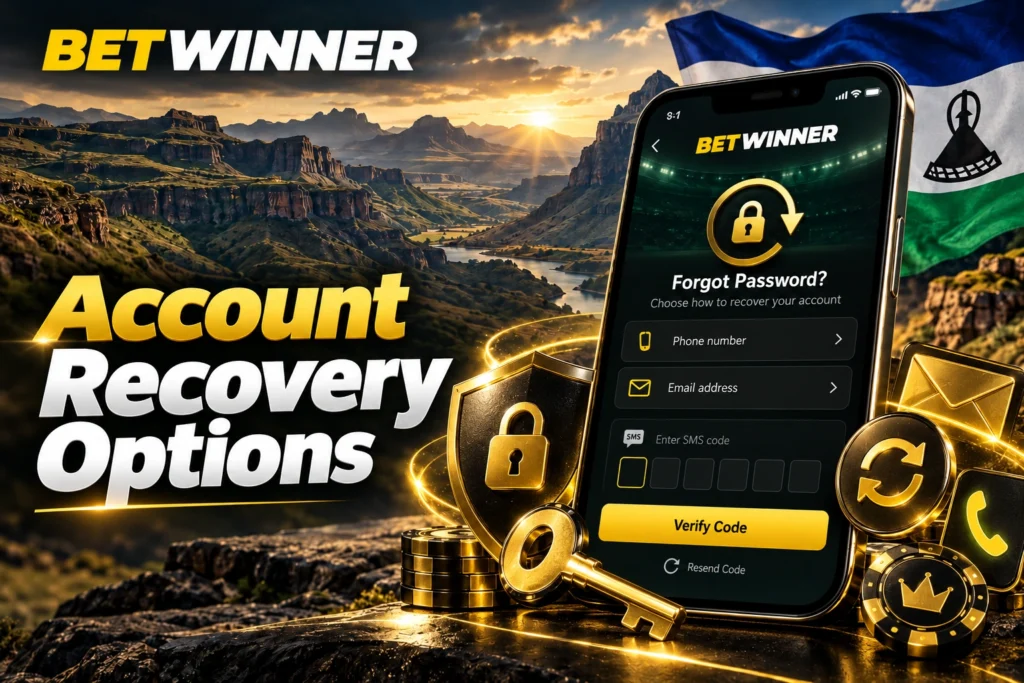
Clicking this link opens the interactive Password Recovery panel. Here, you will be prompted to choose your preferred identity verification channel: By Phone or By Email. Choosing the mobile option sends an automated verification code to your registered Lesotho phone number, while selecting email dispatches a secure reset link directly to your inbox.
Reset Login Credentials
Resetting your password is designed to be self-explanatory while keeping your funds secure. Follow these steps to restore your login access:
- Click Forgot Your Password? on the Betwinner login pop-up module.
- Choose By Phone Number and enter your registered +266 mobile number along with the required CAPTCHA verification image.
- Tap Send Code to trigger a single-use 6-digit confirmation SMS to your mobile phone.
- Enter the received numeric code into the verification field within the 10-minute timer window.
- Create a new, strong password containing a minimum of 12 mixed characters (combining uppercase, lowercase, numbers, and symbols).
- Confirm the new password and click Save Password to complete credential restoration.
Once saved, your new password takes effect immediately across all devices. For added security, Betwinner’s system automatically terminates active sessions on other devices, requiring you to sign in with your fresh credentials.
Recover Locked Accounts
In certain scenarios, an account may be locked due to suspicious login attempts from unrecognized IP addresses, prolonged inactivity, or automated security flags triggered during routine fraud checks. If your screen displays an “Account Locked” or “Access Denied” message, basic password resets will not clear the restriction.
To unlock a restricted account, you must complete identity verification with Betwinner’s security desk. You will be asked to supply clear digital copies of your official Lesotho National ID card or passport, alongside proof of account ownership (such as a recent M-Pesa or bank statement displaying your full name and phone number). Once uploaded and verified by the security team, your account access will be restored without affecting your existing real-money wallet or bonus balance.
Login Security Features
Betwinner employs advanced digital security systems to protect player accounts, financial transactions, and personal information. Understanding these integrated safeguards helps Basotho players make full use of the platform’s protective tools.
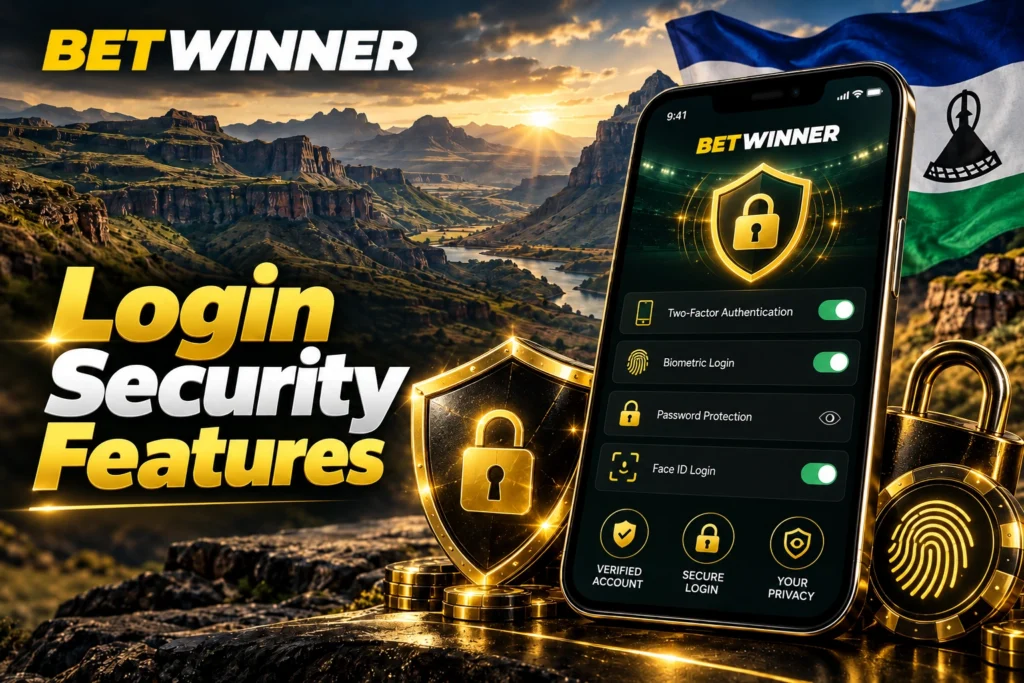
Two-Step Verification
Two-Factor Authentication (2FA) provides an additional layer of security beyond your standard password. When 2FA is active, signing in requires both something you know (your password) and something you possess (a dynamic security code generated on your personal mobile phone).
Basotho players can enable 2FA by linking their Betwinner profile to an industry-standard Time-based One-Time Password (TOTP) application, such as Google Authenticator or Microsoft Authenticator. Once configured inside Account Settings → Security, every login attempt from a new browser or unverified device will prompt for a fresh 6-digit passcode that refreshes every 30 seconds. This ensures that even if an unauthorized party discovers your password, they cannot access your account without physical access to your mobile device.
Secure Account Protection
In addition to 2FA, Betwinner incorporates server-side security protocols that run continuously in the background:
- 128-bit SSL Encryption: All data transmitted between your web browser or mobile app and Betwinner servers is encrypted using end-to-end SSL technology, preventing third-party interception.
- Active Session Monitoring: The security menu displays a real-time list of all active login sessions, including IP addresses, device types, operating systems, and geographic locations.
- Remote Session Termination: With a single click, you can log out of all active background sessions across old or lost devices.
- Automated Inactivity Timeout: If an account remains idle for a set period on a browser, the system logs out automatically to protect your balance from unauthorized local use.
Safe Device Authentication
When signing in from a new mobile device or computer, Betwinner’s security engine inspects the incoming device signature. If a sign-in originates from an unfamiliar browser, IP address, or location, the platform may require supplementary SMS or email authorization before granting dashboard access.
- Always lock your personal smartphone with a biometric lock or master PIN to prevent local access to your betting apps.
- Avoid signing into your Betwinner account on shared public computers or over open, unencrypted public Wi-Fi networks.
- Regularly review the Security History tab inside your account profile to spot unrecognized login attempts early.
| Security Layer | Function / Mechanism | Recommended For | Protection Level |
| Password Entropy | 12+ character mixed alphanumeric strings | All registered accounts in Lesotho | Foundation Security |
| 2FA (Authenticator App) | Time-synchronized 6-digit TOTP codes | Users holding significant account balances | High Security |
| Biometric App Lock | Smartphone Fingerprint / Face ID verification | Native Android and iOS app users | Convenient High Security |
| Session Control | Real-time IP tracking & remote log-out | Users signing in across multiple devices | Proactive Defense |
Common Login Problems
Even with an intuitive interface, occasional technical snags or user errors can disrupt the sign-in process. Understanding how to diagnose and fix these common hurdles ensures you can get back to your account quickly.
Incorrect Password Solutions
An “Invalid Username or Password” alert is the most frequent login error. Before requesting a password reset, run through these quick diagnostic steps:
- Verify that your Caps Lock key is turned off on desktop keyboards.
- Ensure your phone software is not auto-correcting or adding an unintended trailing space at the end of your password string.
- Tap the Eye Icon in the password box to display the exact text characters you typed.
- If you recently changed your password on another device, ensure your browser’s auto-fill function is not overwriting it with outdated saved credentials.
- Clear your browser’s cache and stored cookies, or launch an Incognito / Private browsing window, then try logging in again.
Verification Code Issues
When initiating password resets or completing 2FA checks, delays in receiving SMS or email verification codes can occasionally occur.
Network congestion on local mobile carriers (Vodacom or Econet) can temporarily delay SMS message delivery. If your code fails to arrive within 60 seconds, check that your phone has active cellular reception and that message blocking is disabled. If you are requesting an email code, inspect your Spam, Junk, or Promotions folder, as automated transactional emails can sometimes be misrouted by email spam filters.
For users using 2FA authenticator apps, ensure your mobile device’s system clock is set to automatic time synchronization. Time desynchronization between your phone and Betwinner servers can cause the app to generate invalid codes.
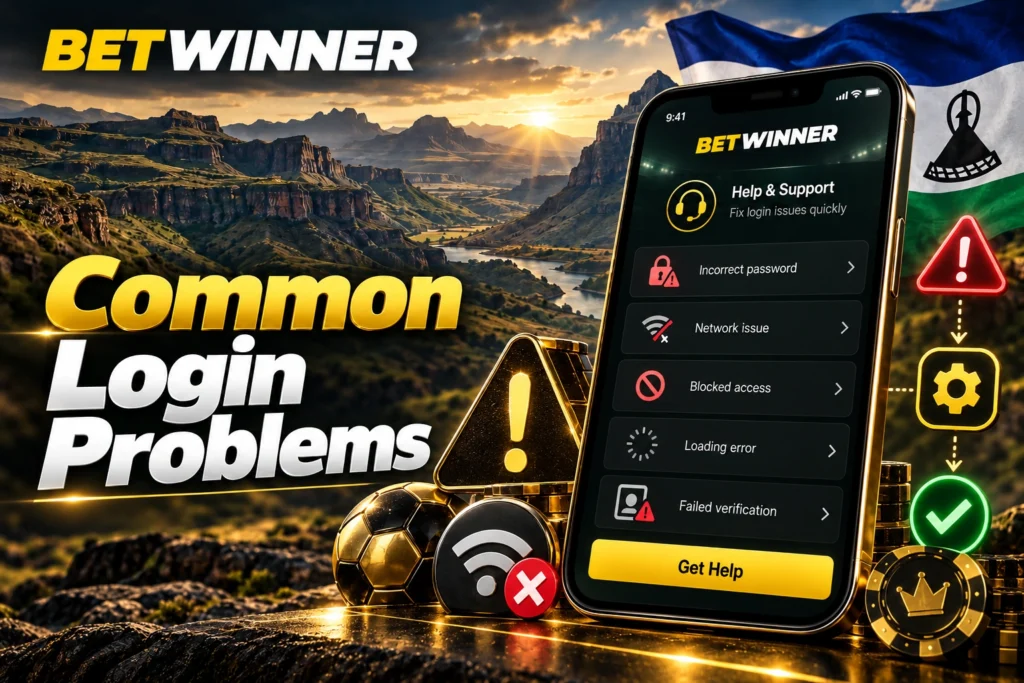
Account Access Support
If you have tried standard recovery tools and still cannot log in, Betwinner’s dedicated customer support team is available 24/7 to assist.
Before contacting support, prepare the necessary account details to speed up verification:
- Your numeric Betwinner Account User ID (if known) or registered email address.
- The precise mobile phone number (+266) linked to your registration profile.
- A clear color photo or scan of your official Lesotho National ID card or passport.
- Details of your recent account activity, such as your last successful deposit amount or recent bet choices.
| Error Message / Issue | Likely Cause | Primary Recommended Action |
| “Invalid Password” | Typo, caps lock active, or outdated auto-fill data | Verify text with eye icon or click “Forgot Password” |
| SMS Code Not Arriving | Local network delay or SMS filter blocking | Wait 60s, check signal coverage, or retry via Email |
| “Account Locked / Blocked” | Multiple failed login attempts or security check | Submit ID verification docs to support desk |
| Invalid 2FA Code | Smartphone system clock desynchronized | Enable automatic network time synchronization on phone |